 Grimtory
Email support
You can also use Settings > Send Feedback in the app. We'll reply as soon as we can.
For faster help, include your device model, iOS version, and what happened. Please don't send passwords, sensitive personal information, or photos of your child.
Frequently asked questions
Do I need an account?
No. Grimtory works without an account.
How do I back up my drawings?
Drawings are stored only on this device, so deleting the app also deletes them. Go to Settings > Export All Drawings to create a ZIP file with a folder for each child, then save it to Files, AirDrop it, or keep it anywhere you like. You can also keep portfolio PDFs separately.
Do I have to give access to my whole photo library?
No. The iOS photo picker gives the app only the photos you choose.
Take Photo doesn't work.
Turn on Camera in iOS Settings > Apps > Grimtory.
How do I change the language?
iOS Settings > Apps > Grimtory > Language (Korean or English), or tap Settings > Language in the app.
Is there a dark mode?
Yes. In the app, Settings > Theme: Use System Setting, Light or Dark.
How do I make and share a portfolio?
Tap the book button in the gallery, choose a period, then Make Portfolio. Share the screen PDF, or take the print PDF to a print shop or photo-book service.
Does it work on iPad?
Yes, on iPhone and iPad. Each device keeps its own drawings.
Support information for Grimtory 0.1.0
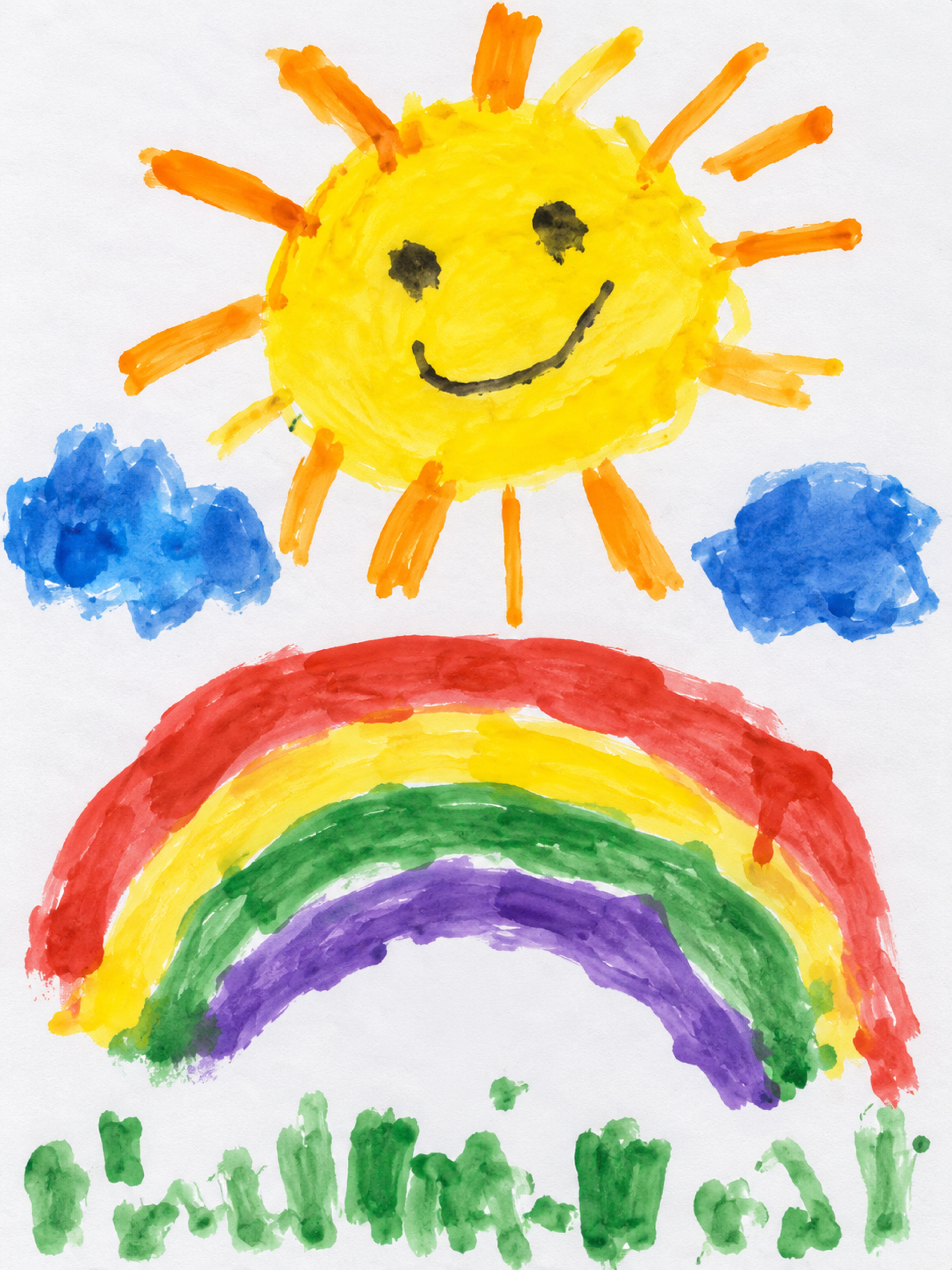
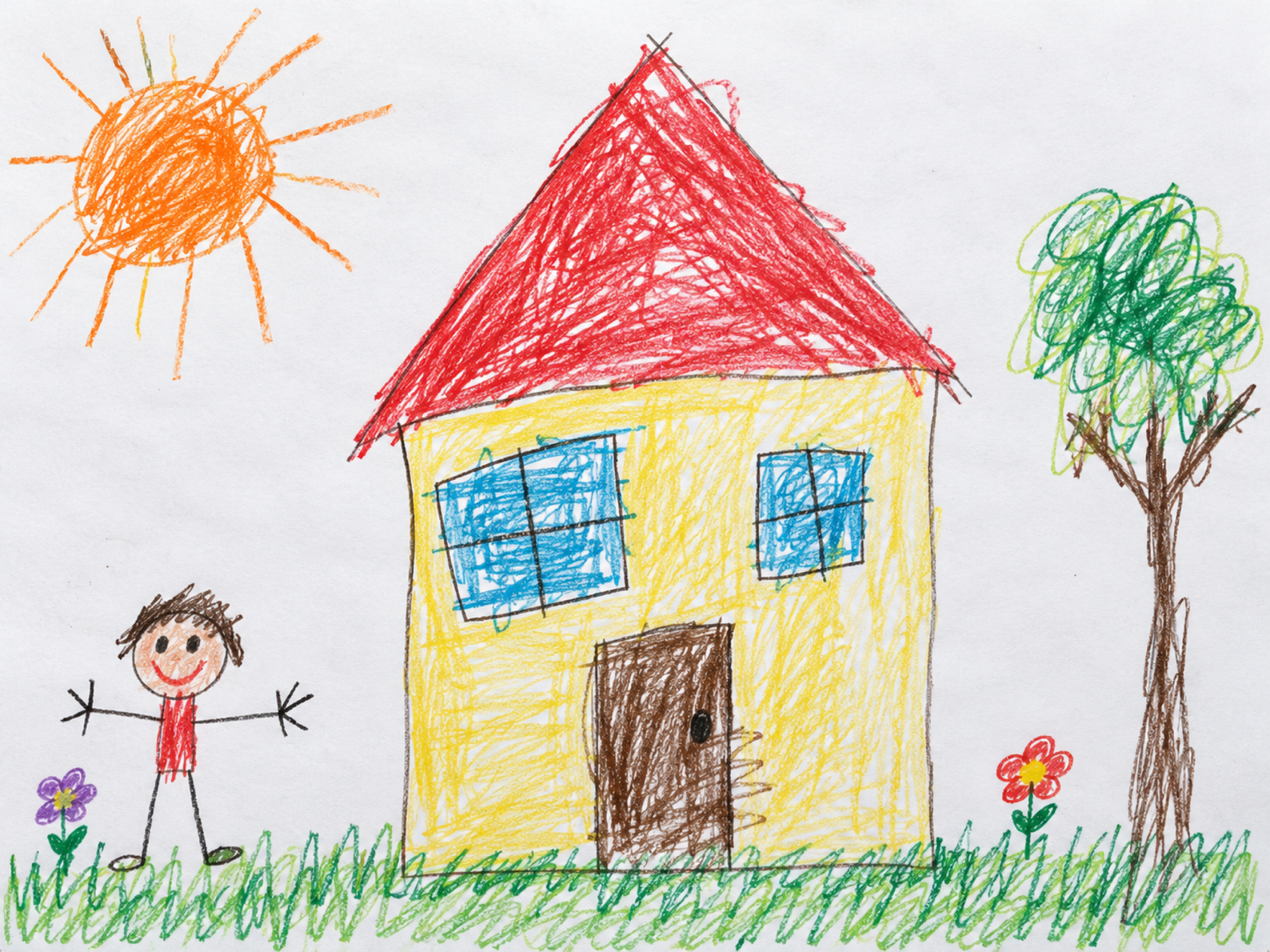
Sample artwork
AI-generated examples. Names, ages and drawing dates are fictional; these are not real children’s drawings.